LMQL in Python#
LMQL can be used in the Playground or as a standalone language. However, it is also possible to use LMQL as a Python library. This allows you to integrate LMQL code into your own Python projects. This chapter provides a brief overview of the LMQL Python Integration.
LMQL as Decorated Python Functions#
To define and run LMQL queries within Python, you can simply decorate a Python function with the lmql.query decorator, and provide the query code as a multi-line string. The decorated function will then automatically be compiled into a LMQL query, and can be called with the same arguments as the original Python function. The return value of the decorated function will be the result of the LMQL query.
[1]:
import lmql

@lmql.query
def hello():
    '''lmql
    argmax
        "Hello[WHO]"
    from
        "openai/text-ada-001"
    where
        len(TOKENS(WHO)) < 10
    '''

hello()[0].prompt
[1]:
'Hello\n\nHello, welcome to our website.'
Result Type An LMQL query that is executed in a Python context, always returns a list of LMQLResult objects, where the number of elements is determined by the underlying decoding algorithm (e.g. n with beam(n=n), or 1 for argmax). The LMQLResult object is a simple dataclass with the following fields:
class LMQLResult:
    # full prompt with all variables substituted
    prompt: str
    # a dictionary of all assigned template variable values
    variables: Dict[str, str]
From such a result object, you can easily extract the prompt and the assigned variable values, no need for further processing. For distribution variables (cf. Distribution Clause), the variables dictionary will additionally contain log P(VAR) and P(VAR) entries, allowing users to easily extract the probability of the assigned value.
@lmql.query functions like hello() can also conform to the interface required by the langchain library, as detailed in the LangChain Integration chapter.
Asynchronous API LMQL also implements a fully asynchronous API. This allows to run hundreds of LMQL queries in parallel, where (cross-query) batching and concurrent API use are handled automatically. To use the asynchronous API, you can simply declare @lmql.query functions as async, and run them with await hello(). To run multiple queries in parallel, you can then simply rely on asyncio primitives like
asyncio.gather:
[2]:
import lmql
import asyncio

@lmql.query
async def hello():
    '''lmql
    argmax
        "Hello[WHO]"
        return WHO
    from
        "openai/text-ada-001"
    where
        len(TOKENS(WHO)) < 10
    '''

# run 10 instances of 'hello' in parallel
await asyncio.gather(*[hello() for _ in range(10)])
[2]:
[['\n\nHello, welcome to our website.'],
 ['\n\nHello, welcome to our website.'],
 ['\n\nHello, welcome to our website.'],
 ['\n\nHello, welcome to our website.'],
 ['\n\nHello, welcome to our website.'],
 ['\n\nHello, welcome to our website.'],
 ['\n\nHello, welcome to our website.'],
 ['\n\nHello, welcome to our website.'],
 ['\n\nHello, welcome to our website.'],
 ['\n\nHello, welcome to our website.']]
Since the asynchronous API is fully concurrent, the time it takes to execute the entire batch of queries is that of only a single query. This is in contrast to the synchronous API, where the overall time is the sum of all query times.
LMQL in Jupyter Notebooks The synchronous API can only be used from a fully synchronous context. Jupyter Notebooks, however, are asynchronous by default. To use LMQL in notebooks, we therefore advise to rely on the asynchronous API (see above).
Program Context#
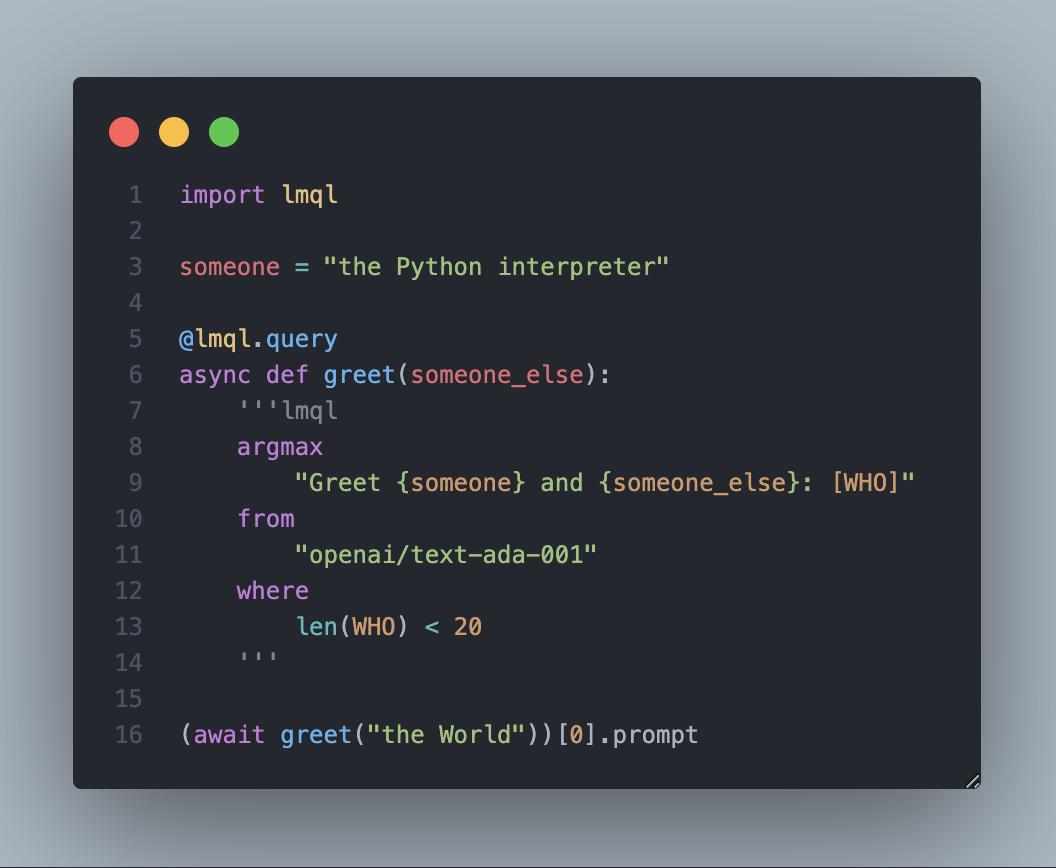
@lmql.query annotated functions are fully integrated into the provided program context, meaning you can provide function arguments and even access variables from the containing scope during query execution. This allows you to use LMQL as a fully integrated part of your Python program:
[3]:
import lmql

someone = "the Python interpreter"

@lmql.query
async def greet(someone_else):
    '''
    argmax "Greet {someone} and {someone_else}: [WHO]" from "openai/text-ada-001" where len(WHO) < 20
    '''

(await greet("the World"))[0].prompt
[3]:
'Greet the Python interpreter and the World: \n\n\n\n\n\n\n\n\n\n\n\n\n\n\n\n\n\n\n'
This also allows you to call utility functions, that query external information systems like Wikipedia, and incorporate the obtained information dynamically in your prompt:
[4]:
import lmql
import aiohttp

async def look_up(term):
    # looks up term on wikipedia
    url = f"https://en.wikipedia.org/w/api.php?format=json&action=query&prop=extracts&exintro&explaintext&redirects=1&titles={term}&origin=*"
    async with aiohttp.ClientSession() as session:
        async with session.get(url) as response:
            # get the first sentence on first page
            page = (await response.json())["query"]["pages"]
            return list(page.values())[0]["extract"].split(".")[0]

@lmql.query
async def greet(term):
    '''
    argmax
        """Greet {term} ({await look_up(term)}):
        Hello[WHO]
        """
    from
        "openai/text-davinci-003"
    where
        STOPS_AT(WHO, "\n")
    '''

print((await greet("Earth"))[0].prompt)
Greet Earth (Earth is the third planet from the Sun and the only place known in the universe where life has originated and found habitability):
Hello Earth! It's wonderful to meet you. You are a unique and special place in the universe, and we are so lucky to call you home.
This capability of calling arbitrary program logic during query execution, enables powerful use cases like the integration of retrieval, as discussed in the LangChain Integration chapter.
lmql.run Function#
As an alternative to @lmql.query you can use lmql.query(...) as a functiont that compiles a provided string of LMQL code into a Python function.
[26]:
q = lmql.query('argmax "Hello[WHO]" from "openai/text-ada-001" where len(TOKENS(WHO)) < 10')
await q()
[26]:
[LMQLResult(prompt='Hello\n\nHello, welcome to our website.', variables={'WHO': '\n\nHello, welcome to our website.'}, distribution_variable=None, distribution_values=None)]
Just like a decorated @lmql.query function, the resulting q, can be used like a regular Python function.
If you rather directly execute the provided query, you can also use lmql.run:
[5]:
await lmql.run('argmax "Hello[WHO]" from "openai/text-ada-001" where len(TOKENS(WHO)) < 10')
[5]:
[LMQLResult(prompt='Hello\n\nHello, welcome to our website.', variables={'WHO': '\n\nHello, welcome to our website.'}, distribution_variable=None, distribution_values=None)]
For synchronous use (without await), you can rely on lmql.run_sync(...) which works just like lmql.run, but does not require an async/await context.
[6]:
lmql.run_sync('argmax "Hello[WHO]" from "openai/text-ada-001" where len(TOKENS(WHO)) < 10')
[6]:
[LMQLResult(prompt='Hello\n\nHello, welcome to our website.', variables={'WHO': '\n\nHello, welcome to our website.'}, distribution_variable=None, distribution_values=None)]
Syntax Highlighting#
LMQL also provides a syntax highlighter for Visual Studio Code. Both .lmql files as well as .py files with @lmql.query decorated functions will be highlighted automatically. The syntax highlighter is available as a VSCode extension.
To enable syntax highlighting in Python files, make sure to lead the LMQL code in an @lmql.query function with the lmql code block type: